
Features
Everything PalomaGrants does, organized around the grant cycle.
Apply
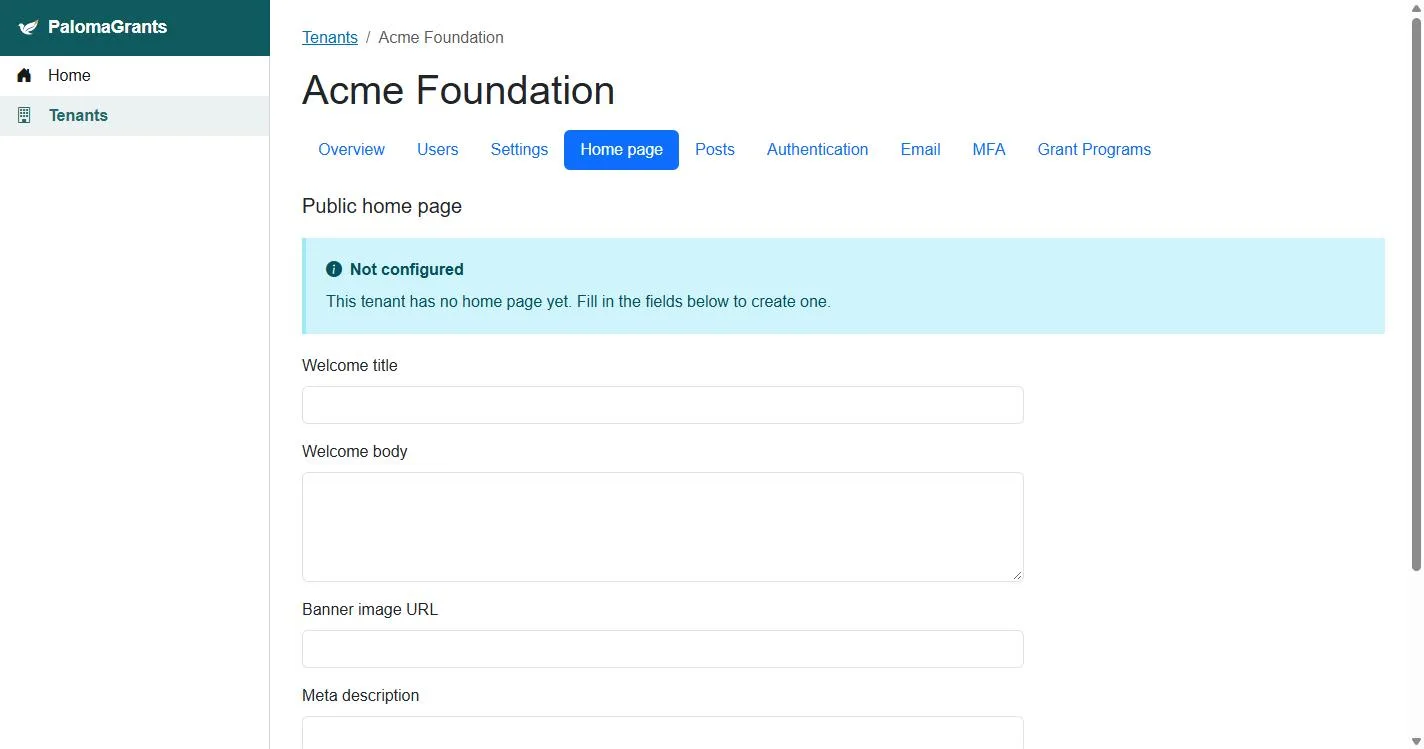
Your own applicant portal
Applicants apply on your subdomain, or your own domain on Professional, with your logo, colors and home page.
Forms for each program
Build application forms per program without writing code.
Eligibility and funding categories
Set who can apply and what each program funds, so applicants know before they start.
Review
Stages you define
Move applications from intake to decision through the steps your team actually uses.
Reviewer scoring
Assign reviewers and have them score each application against your criteria.
Conflicts of interest
Reviewers declare conflicts of interest, and you see them before decisions are made.
Notes and decisions in one place
Everything about an application stays with it, instead of in inboxes.
Award
Award decisions
Record awards and amounts, and let applicants know the outcome.
Budgets and disbursements
Track what you've committed, what you've paid and what remains for every grant and program.
Report
Grantee reports
Collect progress and impact reports on forms you design.
Deadlines you can see
See which reports are due, late or in, across every grant.
Reporting across programs
See applications, awards and payments across all your programs on Professional and Enterprise.
Full audit history
Every change is recorded with who made it and when.
Running your foundation
Roles and access
Give staff, reviewers and administrators the access their work requires.
Sign-in your way
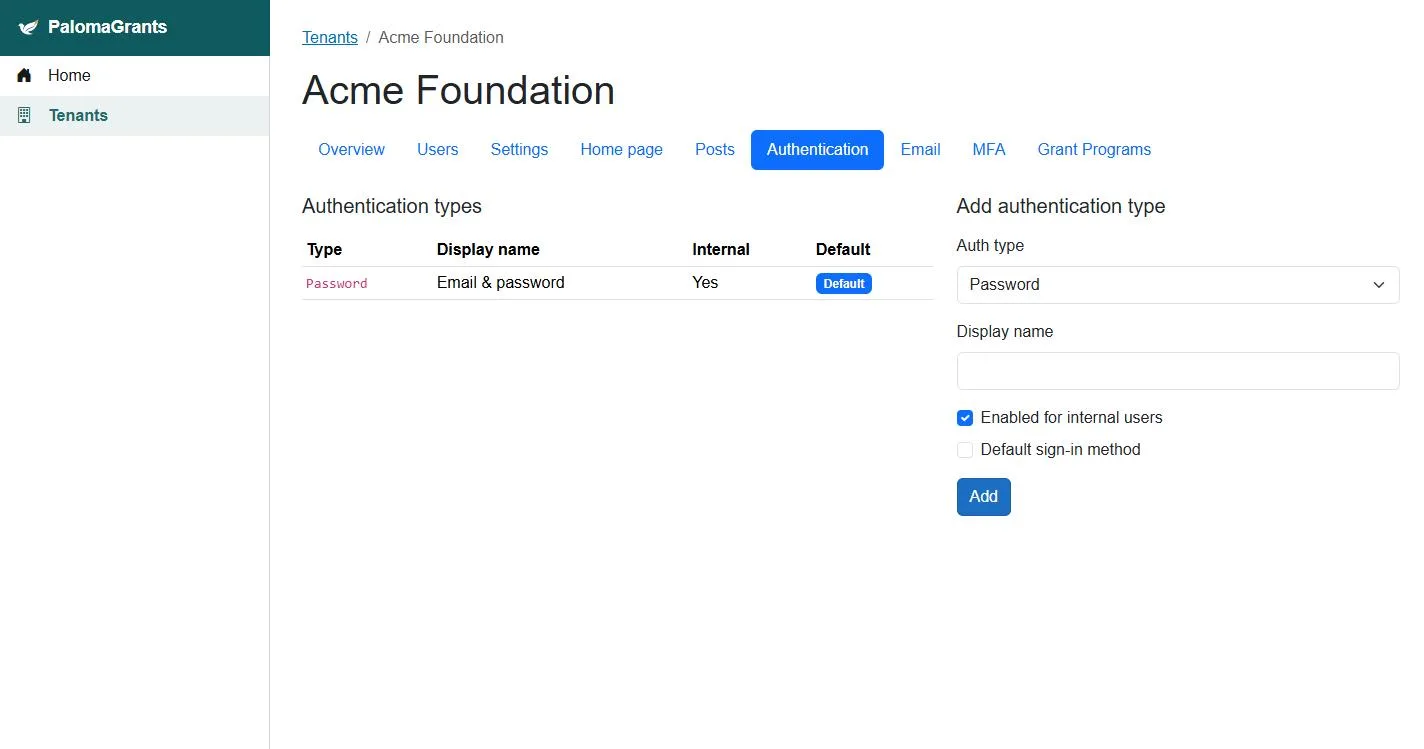
Multi-factor sign-in on every plan. Single sign-on with your organization's accounts on Enterprise.
News on your portal
Post deadlines and announcements on your portal's home page.
Want a walkthrough?
We'll show you PalomaGrants with a program like yours.